- September 16, 2026
- AD Staff Writer
- News
Make Your Phone Work for Your Specific Needs By Turning On Your Accessibility Settings
As El Niño season approaches, Los Angeles County and the Los Angeles County Aging & Disabilities (AD) Department teamed up to help everyone get prepared starting with the device you use every day: your phone. A social media video created in a collaboration between the two departments shows steps for adjusting the accessibility settings on your phone.
Your phone is packed with smart features, but you need to set it up so you can receive and navigate emergency updates in a way that works best for you. Taking a minute to enable accessibility tools can make a difference, especially for residents with disabilities or access and functional needs.
For example, people who are deaf or hard of hearing can set their phones to flash or vibrate when an alert arrives or use speech-to-text apps to better understand emergency messaging. People who are blind or have low vision can turn on text-to-speech features, so alerts are read aloud as soon as they arrive. With smart settings, anyone can use voice commands to call 911 or reach emergency contacts quickly, even in stressful situations.
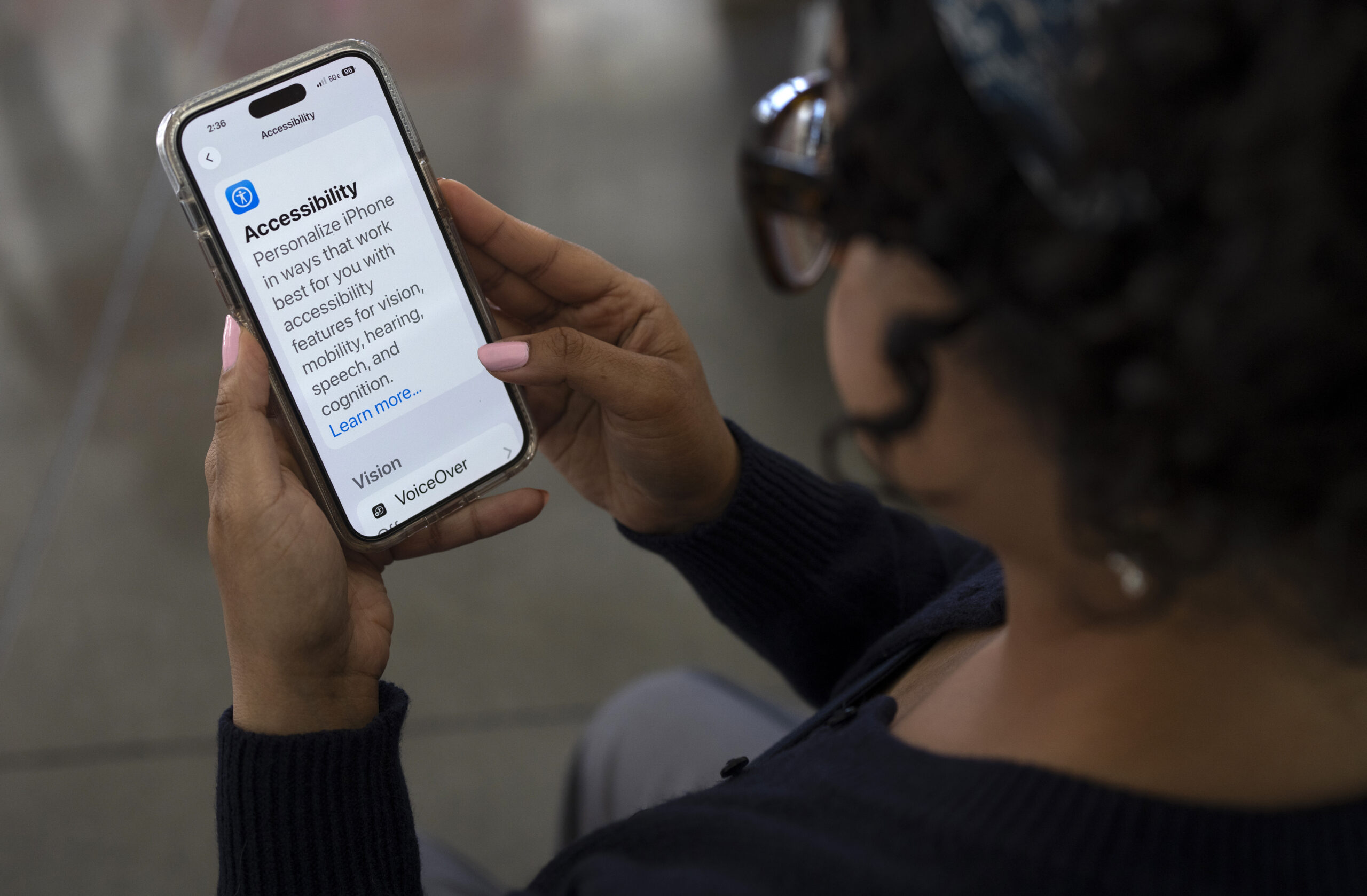
To get started, go to your phone’s Settings, tap Accessibility, and explore tools that can read content aloud, enlarge text, add captions, or adjust screen contrast. Once enabled, these features work across your apps and social media so you’ll never miss an important update from L.A. County.
Don’t forget to enable government alerts and customize your notification preferences for visual, sound, and vibration cues. All L.A. County residents are encouraged to register for emergency alerts at alert.la.county.gov. The Alert LA County system offers accessible notification options by text, email, or phone call. After signing up, add the Alert LA County numbers to your contacts, so you always recognize an emergency call.
For more life-saving tips and tools, visit ready.lacounty.gov.